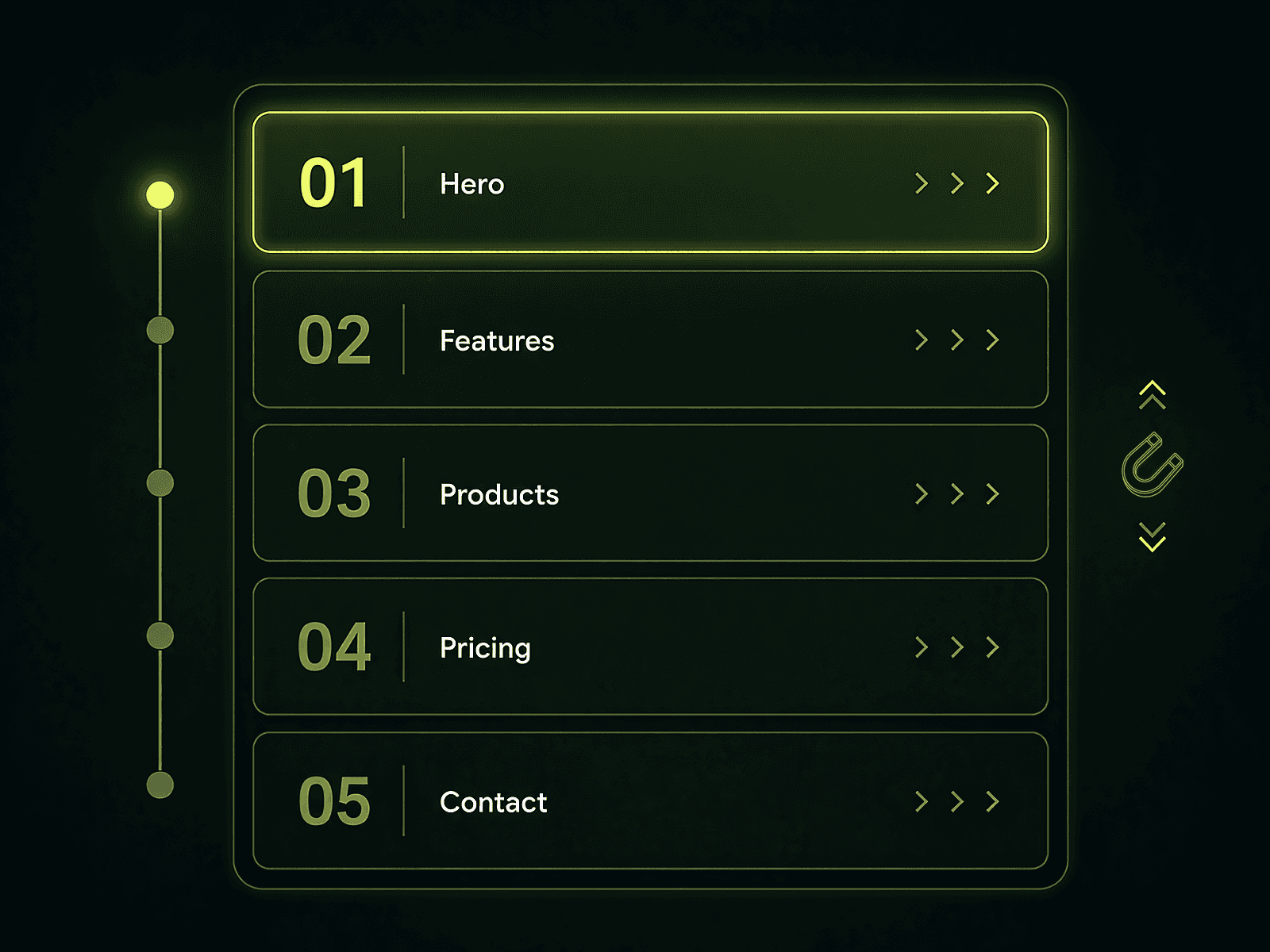
Scroll to Explore
Scroll to Explore
Scroll Snapping Controller
Scroll Snapping Controller
A smart and smooth section scroll snap experience.
A smart and smooth section scroll snap experience.
Easy to Setup
Easy to Setup
A flexible section-based scroll controller built to create controlled navigation experiences with smooth snapping behavior, customizable motion, and intelligent input handling without complicated setup.
A flexible section-based scroll controller built to create controlled navigation experiences with smooth snapping behavior, customizable motion, and intelligent input handling without complicated setup.
Copy/Paste component to your primary breakpoint
Copy/Paste component to your primary breakpoint
Populate your section names
Populate your section names
No complex configuration required. Simply define the names of the sections or stacks you want to snap between using the same names from your Framer Layers Panel, and you're ready to go.
No complex configuration required. Simply define the names of the sections or stacks you want to snap between using the same names from your Framer Layers Panel, and you're ready to go.
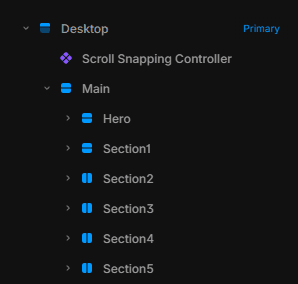
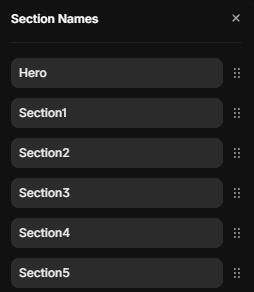
Section names
Section names
Section names
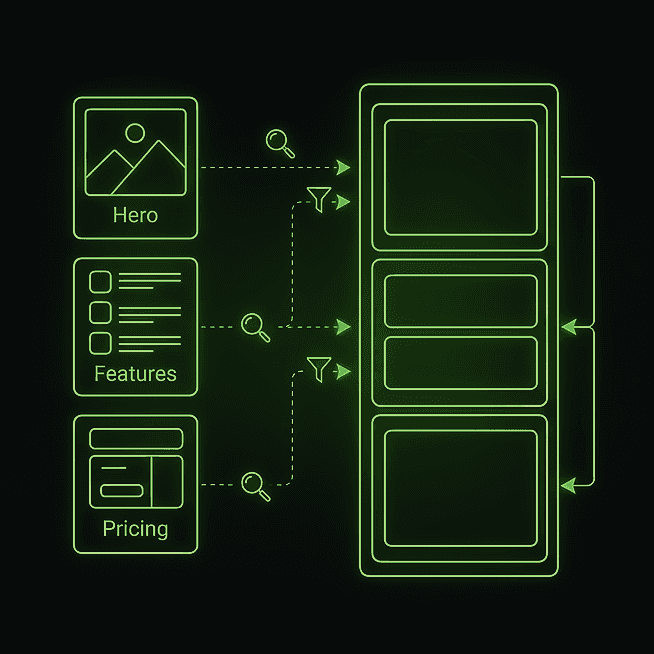
The ordered list of section “names” you want to snap between (e.g. Hero, Features, Pricing). Each name is used to find a real DOM element on the page (using Match and/or Extra Selector). The component then dedupes matches and sorts the found elements by their actual Y position (top-to-bottom) before using them for snapping.
The ordered list of section “names” you want to snap between (e.g. Hero, Features, Pricing). Each name is used to find a real DOM element on the page (using Match and/or Extra Selector). The component then dedupes matches and sorts the found elements by their actual Y position (top-to-bottom) before using them for snapping.
Match & selectors
Match & selectors
Match & selectors
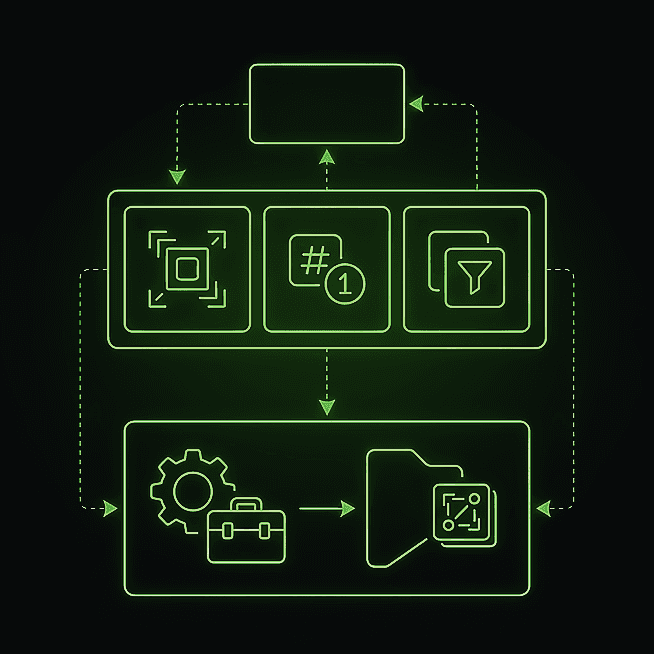
Choose how section names are resolved: match by Framer Name, by exact ID, or both (deduped). ‘Extra Selector’ lets you customize what element is used for snapping. Use $name as a placeholder to target special elements.
Choose how section names are resolved: match by Framer Name, by exact ID, or both (deduped). ‘Extra Selector’ lets you customize what element is used for snapping. Use $name as a placeholder to target special elements.
Smooth or instant
Smooth or instant
Smooth or instant
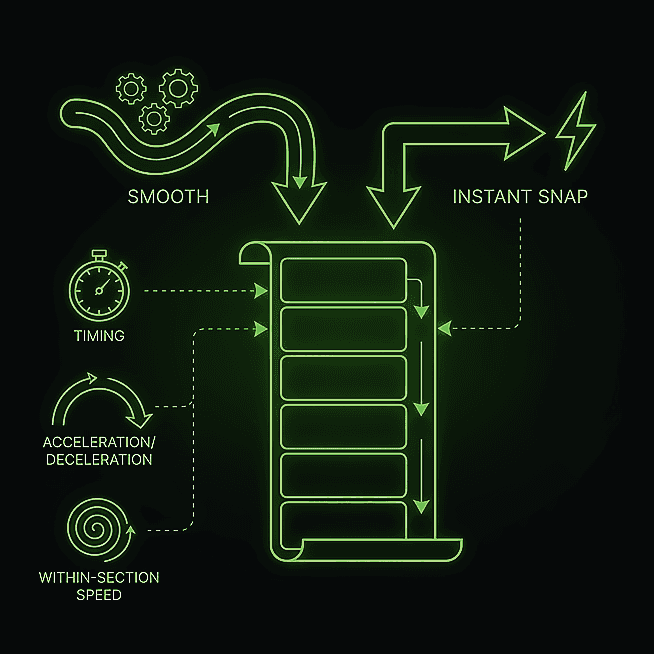
Supports smooth or instant snap scroll behaviors. If smooth is enabled, you can further control custom smooth animation and fine-tune timing, acceleration, deceleration, and within-section scrolling speed.
Supports smooth or instant snap scroll behaviors. If smooth is enabled, you can further control custom smooth animation and fine-tune timing, acceleration, deceleration, and within-section scrolling speed.
Keyboard support
Keyboard support
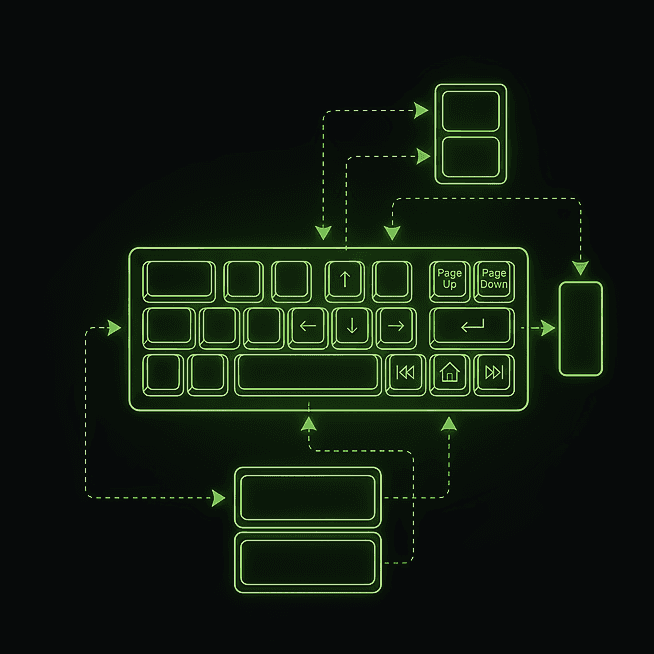
Optionally intercepts Arrow keys, PageUp/PageDown, Home, and End keys to quickly jump between defined sections.
Optionally intercepts Arrow keys, PageUp/PageDown, Home, and End keys to quickly jump between defined sections.
Offset & thresholds
Offset & thresholds
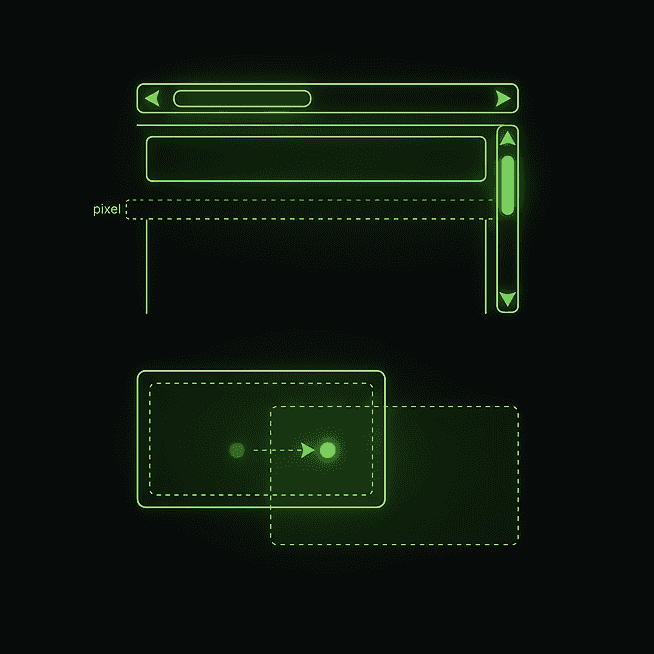
Add a pixel offset to snap positions, useful for sticky headers. Adjust the threshold for what is considered the active section.
Add a pixel offset to snap positions, useful for sticky headers. Adjust the threshold for what is considered the active section.
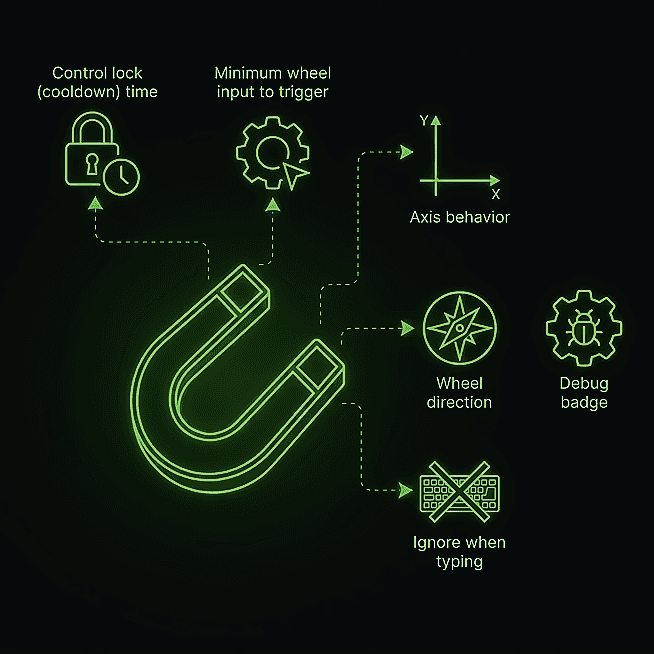
Fine-tune behavior
Fine-tune behavior
Control lock (cooldown) time, minimum wheel input to trigger, axis behavior, wheel direction, ignore when typing, and debug badge.
Control lock (cooldown) time, minimum wheel input to trigger, axis behavior, wheel direction, ignore when typing, and debug badge.
All Features
All Features
Section Names
Section Names
Excluded Sections
Excluded Sections
Match
Match
Extra Selector
Extra Selector
Behavior
Behavior
Custom Smooth
Custom Smooth
Smooth Factor
Smooth Factor
Keyboard Support
Keyboard Support
Ignore When Typing
Ignore When Typing
Offset
Offset
Active Threshold
Active Threshold
Lock Cooldown
Lock Cooldown
Min Wheel
Min Wheel
Wheel Axis
Wheel Axis
Invert
Invert
Debug
Debug
Explore a complete breakdown of features, customization options, and capabilities. Discover everything this component can do and how each setting helps you create the exact experience you need.
Explore a complete breakdown of features, customization options, and capabilities. Discover everything this component can do and how each setting helps you create the exact experience you need.